AI Design Agent 'Lovart' Releases New 'Move Object' Feature to Reconstruct Compositions with Intuitive Operations
Key facts
- AI Design Agent 'Lovart' Releases New 'Move Object' Feature to Reconstruct Compositions with Intuitive Operations
- Lovart, an AI design agent used by over 10 million creators, has launched 'Move Object,' a new feature that allows users to freely rearrange elements within an image. This eliminates the need for complex masking, layering, or repeated re-generation, allowing for intuitive compositional changes with automatic background and lighting adjustments.
- Source: PR Times
- Date: March 26, 2026
Direct answer
Lovart, an AI design agent used by over 10 million creators, has launched 'Move Object,' a new feature that allows users to freely rearrange elements within an image. This eliminates the need for complex masking, layering, or repeated re-generation, allowing for intuitive compositional changes with automatic background and lighting adjustments.
- Citation
- AI Design Agent 'Lovart' Releases New 'Move Object' Feature to Reconstruct Compositions with Intuitive Operations (March 26, 2026), PR Times
- Source
- PR Times
- Date
- March 26, 2026
Lovart, an AI design agent used by over 10 million creators, has launched 'Move Object,' a new feature that allows users to freely rearrange elements within an image. This eliminates the need for complex masking, layering, or repeated re-generation, allowing for intuitive compositional changes with automatic background and lighting adjustments.
📋 Article Processing Timeline
- 📰 Published: March 26, 2026 at 23:59
- 🔍 Collected: March 28, 2026 at 21:59 (46h 0m after Published)
- 🤖 AI Analyzed: April 15, 2026 at 00:22 (410h 23m after Collected)
Lovart, the AI design agent supported by over 10 million creators and marketers worldwide, has launched 'Move Object,' a new feature that allows users to freely rearrange elements within generated and edited images.
This feature completely eliminates the need for complex mask creation and layer separation, which were essential in conventional image editing software, or the repetitive 're-generation lottery' to change compositions with image generation AI.
■ Background: Ending the 'Correction Hell' of Composition Changes
In traditional creative production, minor adjustments such as 'wanting to move the subject's position slightly to the right' were extremely time-consuming tasks that required adding to the background (using stamp tools or generative fill) and reorganizing the layer structure.
As an 'AI Design Agent,' Lovart fundamentally solves this practical pain point. The new 'Move Object' feature allows you to simply apply intuitive operations to a finished image, and the AI will instantly understand the context and reconstruct the composition with a natural, seamless finish.
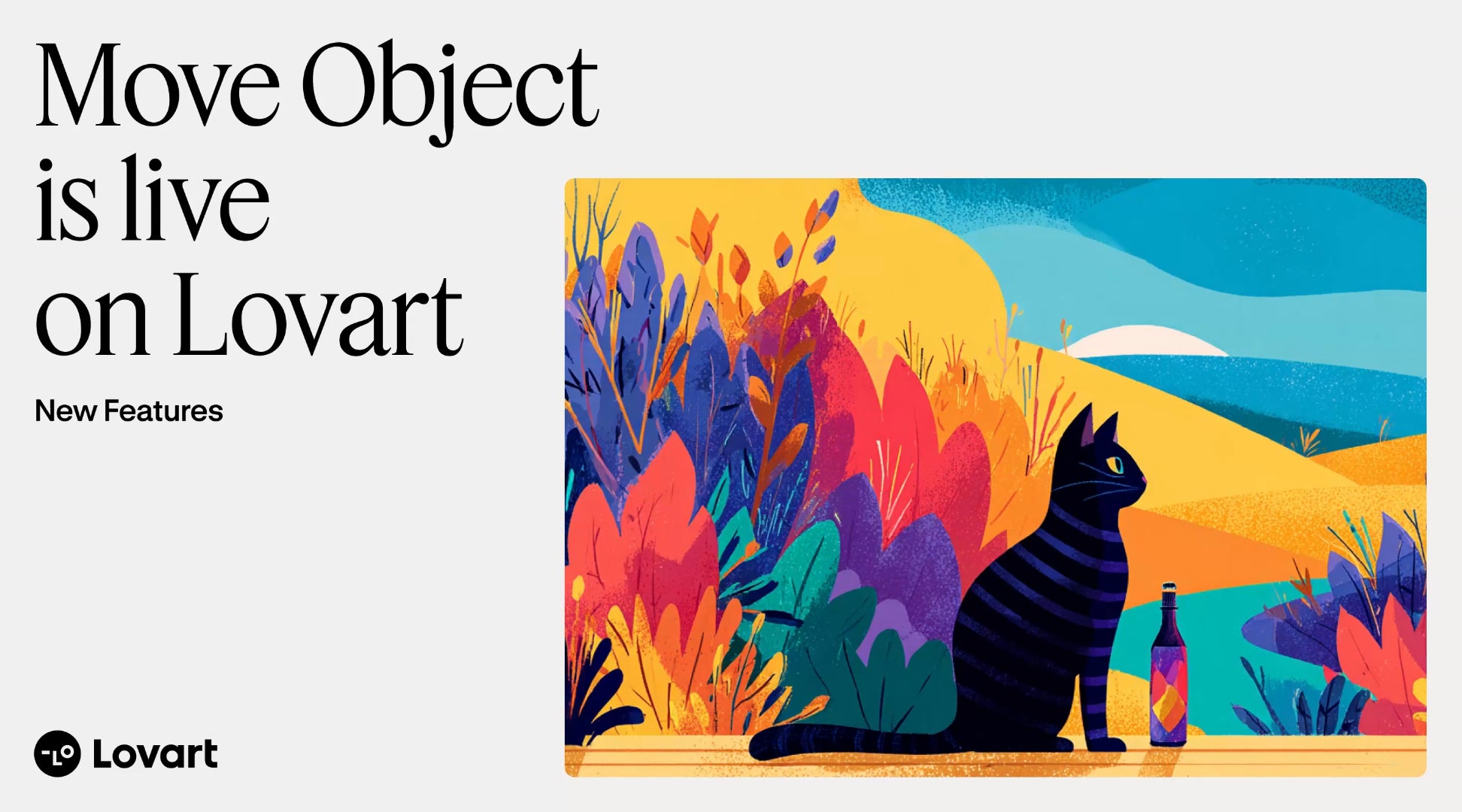
■ Three Features of the New 'Move Object' Function
❶ No masks, no layers. Intuitive operation of just enclosing and moving. No complex preparation is required. Simply make a rough selection of the object you want to move with the 'Rectangle Tool' or 'Lasso Tool' and drag & drop it to your desired location.
❷ Automatic background completion and a natural, seamless finish. The AI automatically calculates and complements the 'original space (blank part)' after an object is moved, as well as the 'shadows and lighting' in the new location. It instantly achieves a quality as if the image were shot with that composition from the start, with no unnatural cut-and-paste look.
❸ Detailed adjustments (fine-tuning) with prompts. In addition to simply moving, you can also make advanced adjustments by entering a prompt at the same time as the move, such as 'moving a character while changing the item they are holding.' Achieve your intended finish seamlessly within Lovart.
■ Accelerate Your Practical Workflow with Lovart's 'Infinite Canvas'
By combining powerful existing features such as 'Multi-Angle Generation,' 'Text Edit,' and 'Vector (SVG) Conversion' with this new 'Move Object' feature, creative work on Lovart's infinite canvas becomes even more flexible. It contributes to improving ROI in all practical scenes, such as adjusting ad banner layouts, creating e-commerce product images, and polishing presentation materials.
■ Free Users Can Try It Now
The new feature announced is available for both paid and free users to experience. Please see Lovart's evolved seamless design workflow for yourself.
Experience Lovart's New Features Here (Japanese Version) http://lovart.ai/ja
■ About 'Lovart'...
FAQ
What is the primary function of Lovart's new 'Move Object' feature?
The new 'Move Object' feature allows users to freely rearrange elements within generated and edited images without the need for complex mask creation.
Who are the primary users supporting the AI design agent Lovart worldwide?
Lovart is supported by over ten million creators and marketers worldwide who engage in creative production.
How does a user select and move an object using the 'Move Object' feature?
Users can simply make a rough selection of the object they want to move with the Rectangle Tool or Lasso Tool and drag and drop it.
What happens to the original blank space and lighting after an object is moved?
The AI automatically calculates and complements the original blank space as well as the shadows and lighting in the new location.
Can users make advanced adjustments using text prompts while moving an object?
In addition to simply moving, users can make advanced adjustments by entering a prompt at the same time as moving the object.