Marketing AI OS 'ENSOR' Adds CTA Button Variation Generation Feature: Automatically Creates Multiple High-Visibility Patterns While Keeping Copy Intact
ENSOR introduces a CTA button generation feature to help improve display ad click-through rates.
📋 Article Processing Timeline
- 📰 Published: March 29, 2026 at 00:37
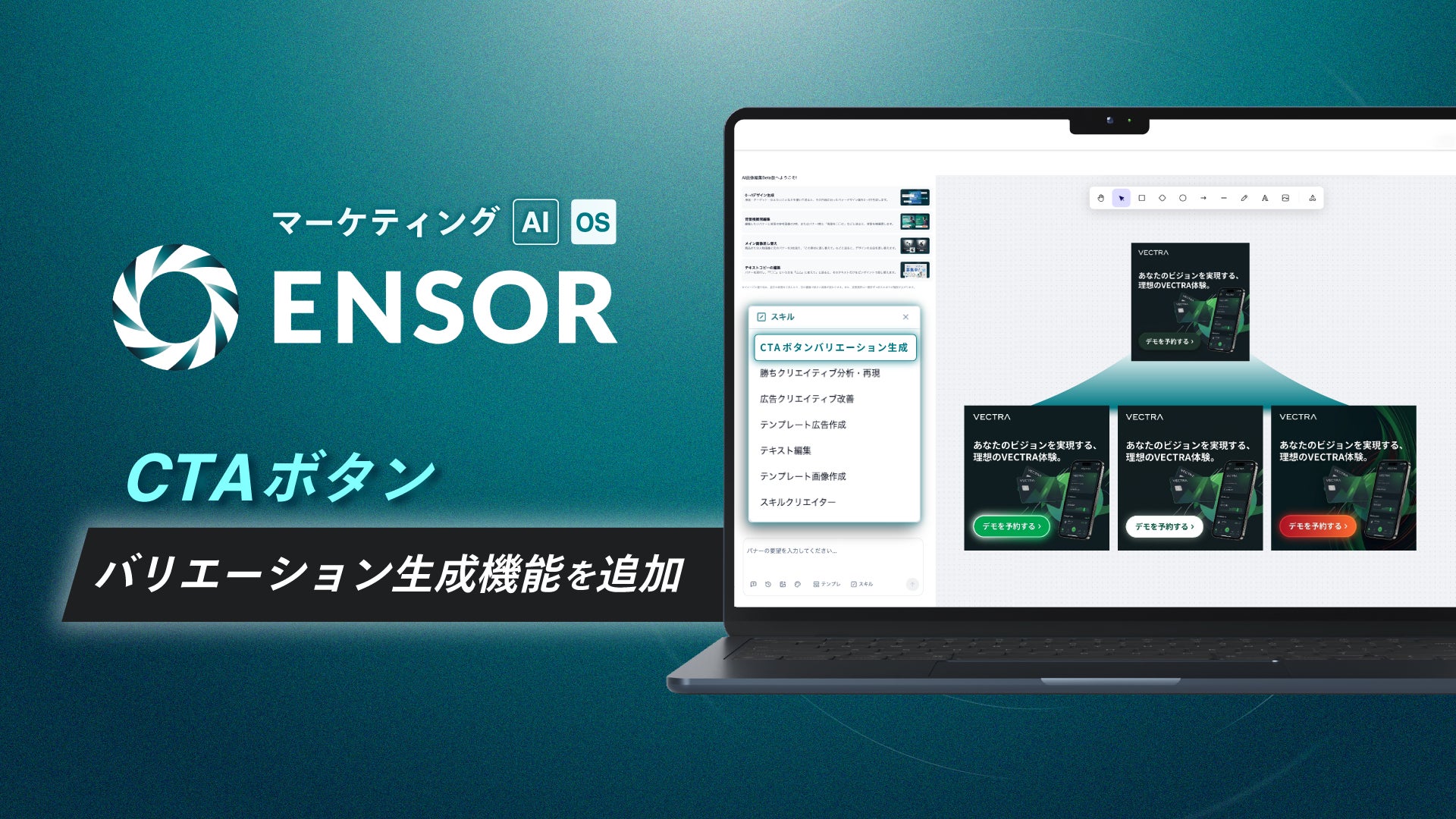
REHATCH Inc. (Headquarters: Chiyoda-ku, Tokyo; CEO: Ryota Sakoda) is pleased to announce the addition of a new feature, "CTA Button Variation Generation," to its marketing AI OS, "ENSOR," designed to help improve the performance of display advertisements.
■ Background of the Release
In display advertising, the visibility of a CTA (Call to Action) button is directly linked to click-through rates. However, refining only the button design while keeping the catchphrase and offer text unchanged often requires time-consuming adjustments to contrast and layout balance against the background.
Common challenges include:
・Wanting to increase appeal intensity through shape, color, and decoration without changing the text.
・Avoiding the burden of brand inconsistency or high production costs that occur when recreating an entire banner.
・Needing to prepare multiple variations of button designs for A/B testing in a short amount of time.
With this new feature, ENSOR allows users to simply upload an ad image and input requirements for the CTA button. It then regenerates multiple creative patterns featuring optimized CTA buttons that enhance visibility and click-through rates while respecting the existing design.
■ Details of the New Feature
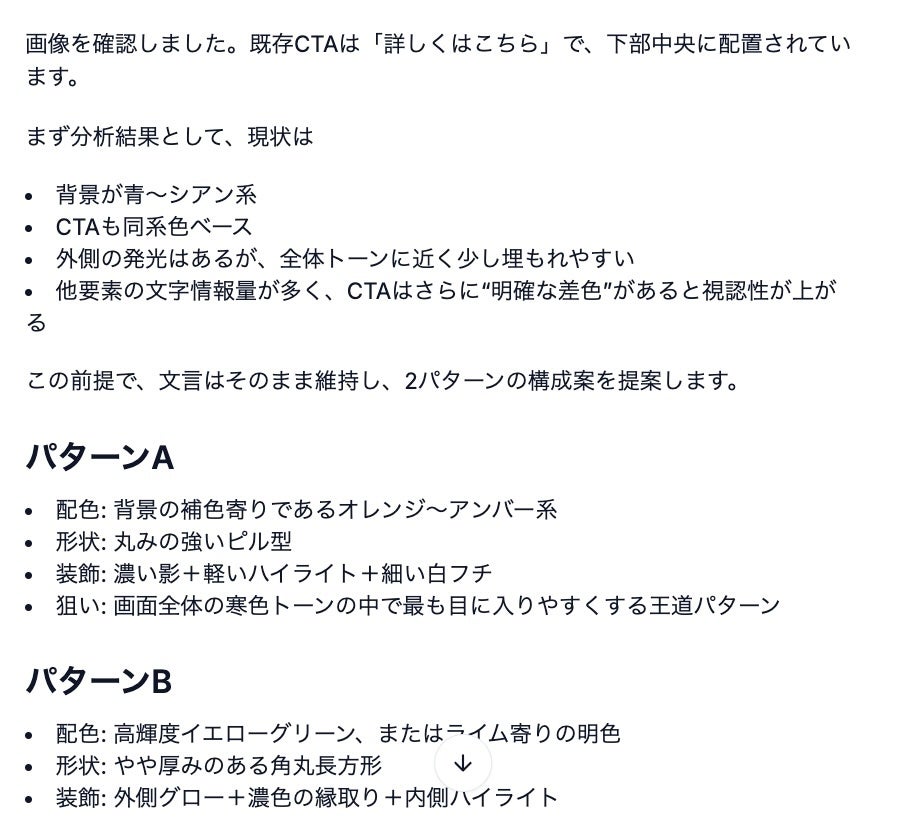
Starting from the existing CTA button in the uploaded ad image or the text intended for insertion, this feature generates variations in the design around the button *without changing the text itself*. It prioritizes contrast with the background image and generates multiple patterns with optimized color schemes (e.g., using complementary colors), shapes, decorations (drop shadows, glow effects, borders, etc.), and layout balance to ensure the button stands out.
▼ Usage Flow (Overview)
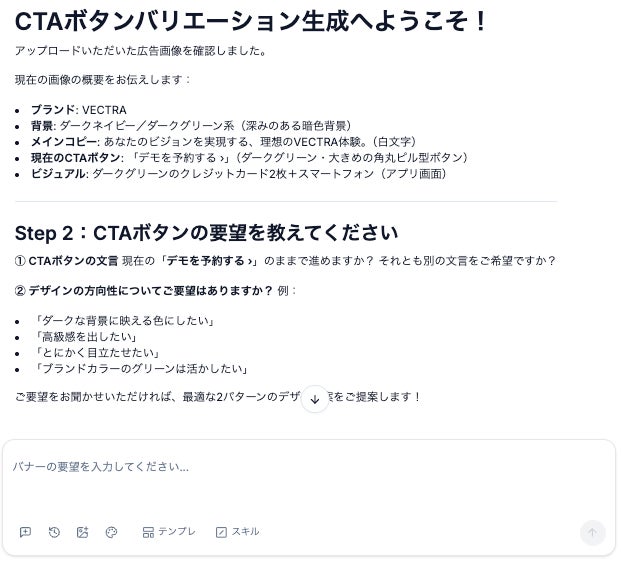
Step 1: Launch the feature and follow the prompts to upload the ad image and input requirements for the CTA button.
Step 2: The system analyzes the image and provides a text-based proposal for design changes aimed at ensuring contrast, while maintaining the original text.
Step 3: Once the proposal is reviewed and approved, the system generates multiple creative image patterns.
*A confirmation step is included regarding the handling of elements like logos before generation.