Marketing AI OS "ENSOR" Adds "Element Replacement" Feature for Ad Banners ── Precisely swap selected parts by uploading two images, maintaining background, composition, and lighting.
📋 Article Processing Timeline
- 📰 Published: March 30, 2026 at 05:11
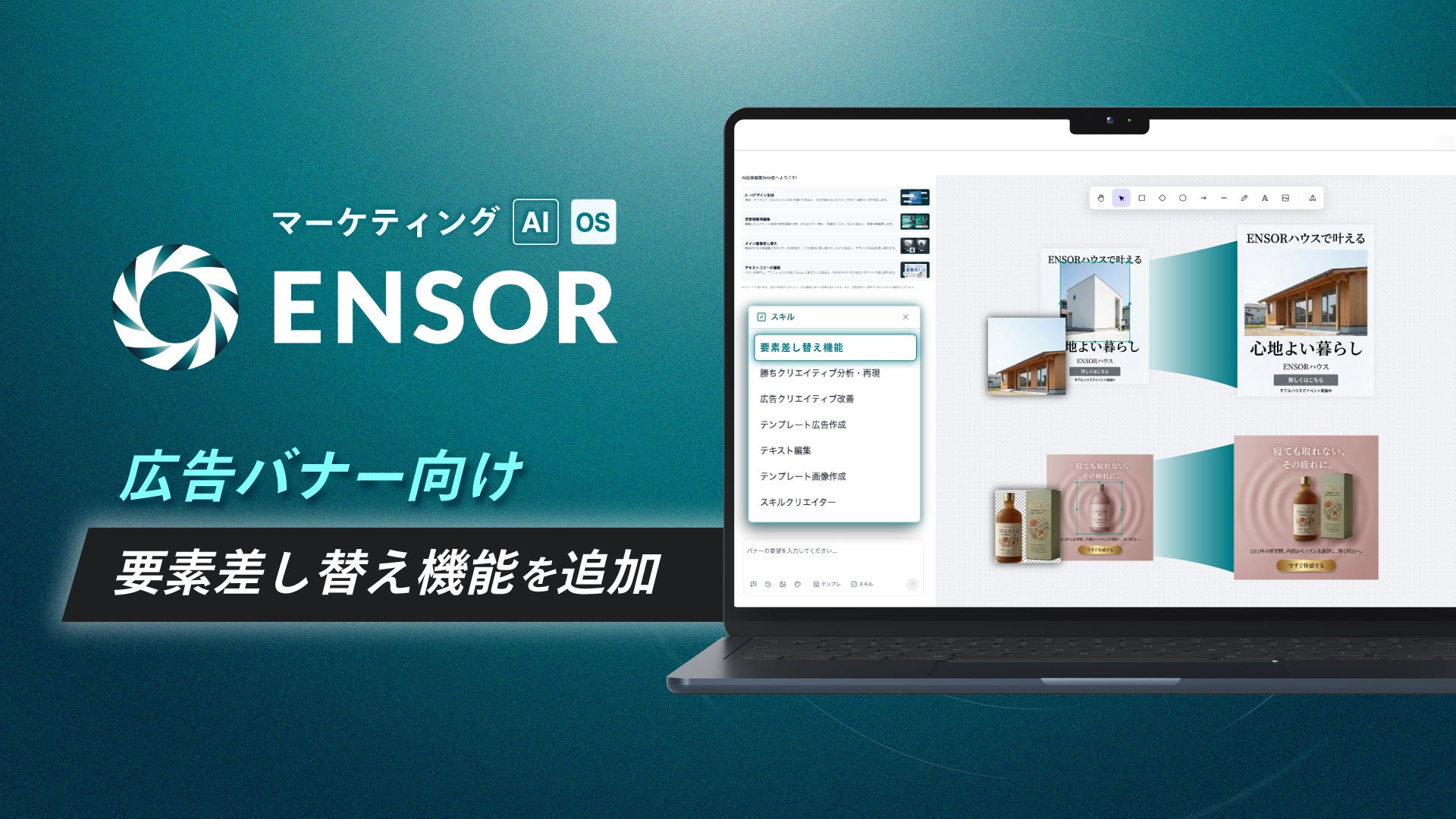
REHATCH Co., Ltd. (Headquarters: Chiyoda-ku, Tokyo, Representative Director: Ryota Sakoda) announces that it has equipped its marketing AI OS "ENSOR" with a new function "Element Replacement" to support ad banner production.
■ Background of the Release
In display advertising, there are many situations where appeals are switched by replacing only product images, logos, and key visuals while keeping the same layout. On the other hand, when recreating the entire banner using image generation or editing tools, the "unity as a banner" such as background, composition, and lighting often collapses, leading to corrections and rework.
・Want to replace only photos and logos according to the appeal or placement, but don't want to change the background or lighting.
・Want to perform replacement tasks in a short time while maintaining design reproducibility.
・If there are many operation steps, it is difficult to integrate into the production workflow.
With this new function, ENSOR provides an environment where you can obtain images with only the specified elements replaced by simply uploading a banner image with a selected area and a replacement material.
■ Details of the New Function
This is a function that precisely replaces specific elements within an ad banner (product images, logos, photos of people, etc.) with a different image in a user-selected area. You can focus on element replacement while maintaining the atmosphere of the background, composition, and lighting other than the replacement target.
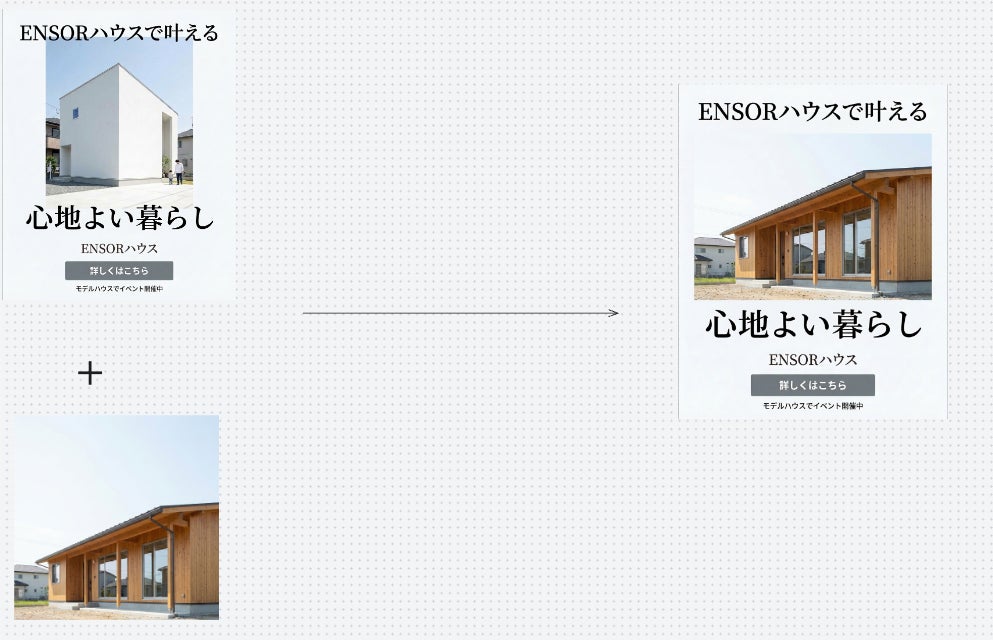
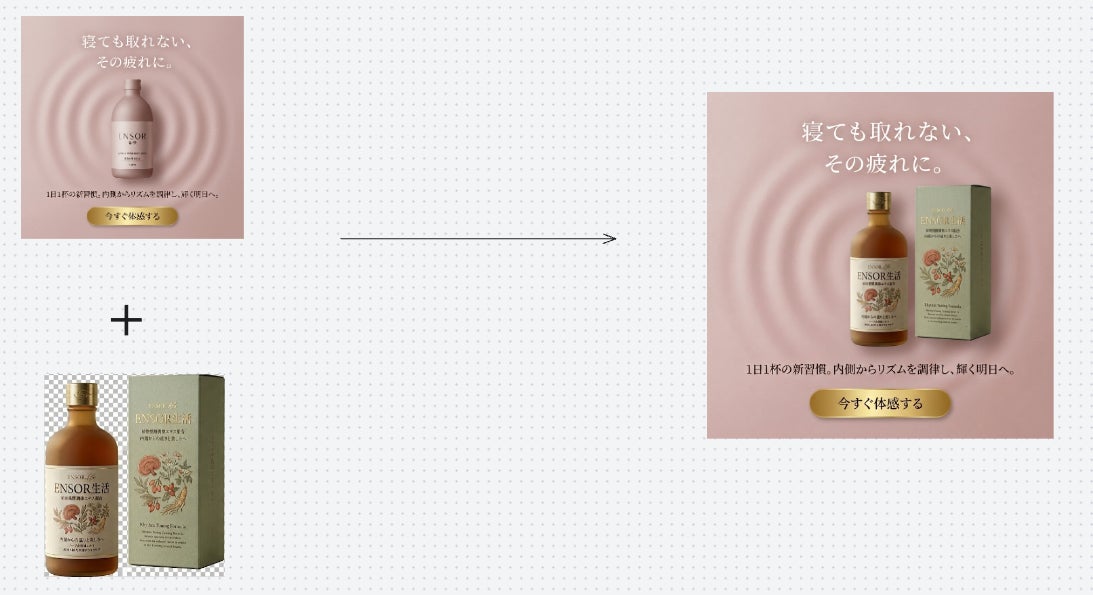
▼ Usage Flow (2 Steps)
Step 1: Activate the "Element Replacement" function and prepare the images according to the instructions.
Step 2: Upload the ad banner image with the selected area and the replacement image together.
Processing is executed when the two images are ready, and the result image is generated without unnecessary confirmation steps. Fine-tuning the finish or replacing different parts can be done again using the same procedure...