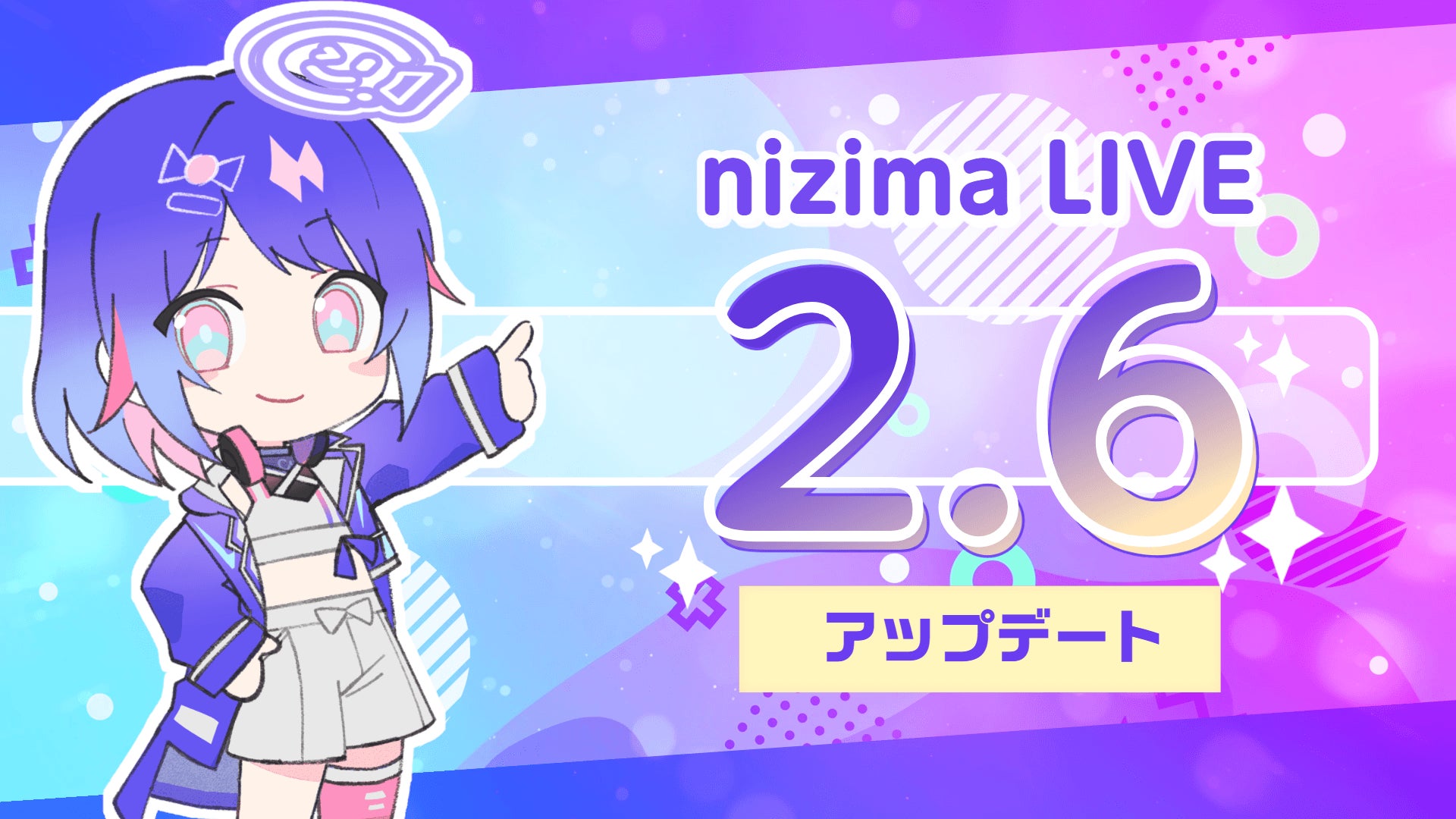
Live2D Inc. (Headquarters: Shinjuku-ku, Tokyo; Representative Director: Tetsuya Nakajo; hereinafter referred to as Live2D Inc.), the developer of the expression technology 'Live2D' that adds three-dimensional animation to 2D illustrations, and operator of the illustration/Live2D model marketplace 'nizima' and the tracking app 'nizima LIVE', will release nizima LIVE 2.6 with new features on March 31, 2026.
nizima LIVE 2.6 Update
nizima LIVE 2.6 Update Contents
Introducing the Features of nizima LIVE Desktop App 2.6
★Significant Improvement in Tracking Accuracy
Significant Improvement in Tracking Accuracy
Overall tracking accuracy with webcams has been improved, with three new features added for enhanced precision!
The tracking foundation has been updated, improving overall stability and accuracy.
- Improved stability even when facing extreme directions, such as directly to the side.
- Improved stability even without tracking correction.
- Reduced unnatural sticking when facing sideways with stronger tracking correction.
- Easier detection of hand-joining movements.
The 'Adaptive Sampling' feature has been added, which continuously optimizes tracking during operation.
This feature allows for continuous optimal tracking adjustments based on the user's situation while the app is running.
【How to Use】
① Open Camera Settings > Advanced Settings
② Turn ON the 'Adaptive Sampling' option
Furthermore, two features have been added to reduce eye-blinking distortions when facing sideways.
*This is currently in beta testing and further improvements are planned.
'Eye Blink Assist When Facing Away from Front' Feature
Detects eyelid movement speed and automatically blinks when the closing speed is consistent.
While this may limit subtle expressions like half-closed eyes, it reduces unnatural facial expressions.
'Align Left/Right Eye Blinks and Eyebrows When Facing Away from Front' Feature
Aligns the left and right eye blinks and eyebrow movements respectively.
This can improve cases where one eye unnaturally closes when facing sideways.
【How to Use】
① Open Parameter Settings > Other Settings
② From the Eye Blink tab, turn ON 'Eye Blink Assist When Facing Away from Front' and 'Align Left/Right Eye Blinks and Eyebrows When Facing Away from Front'
★Effect Presets Renewed, New Presets Added
Effect Presets Renewed, New Presets Added
The effect presets have been integrated with other tabs, making them easier to operate at a glance.
Additionally, 10 new effect presets such as 'Rain', 'Snow', and 'Chromatic Aberration' have been added, and a reset button has been placed in a more accessible location.
These updates make the preset function more user-friendly, allowing for easier and more intuitive application of effects with a single click!
【How to Use】
Open 'Effect Settings' from the main menu
★New Effects Added
New Effects Added
Four new effects have been added!
Rain:
Allows for a rain effect. Detailed settings for amount, angle, presence of wind, and lightning are available.
Sunlight Through Leaves:
Creates an effect of light filtering through leaves. Allows for replacement of shadow images and detailed settings for shadow position, light, and wind strength.
Light Leak:
An effect that simulates light leaks and blurs in photos and videos. Detailed settings for color and patterns are available.
Color Grading:
An effect to adjust color tone and brightness to create a specific atmosphere. Allows for changes to cinematic or retro-style color presets and detailed numerical adjustments.
【How to Use】
① Open 'Effect Settings' from the main menu
② Open 'Background', 'Model', or 'Overall'
③ Select your desired effect from '+ Add Effect'
★GPU Scheduling Priority Setting Function (Windows Version)
GPU Scheduling Priority Setting Function (Windows Version)
You can now set how much priority to give to GPU processing when using other applications simultaneously. (Windows version only)
This makes it easier to suppress stuttering and delays even when GPU load is high during game streaming or when running multiple applications simultaneously.
【How to Use】
① In the Windows version, go to Settings > Other > Graphics
② Set 'Increase GPU Priority'
*In some environments, 'Further Increase GPU Priority' can also be set.
★Expression Combination Prohibition Function
Expression Combination Prohibition Function
You can now set prohibitions for combining expressions on a per-expression basis.
Expressions set as prohibited from combining can only be turned ON one at a time.
When another expression is turned ON, the current expression will automatically turn OFF, allowing for smooth switching with a single click.
This eliminates the need to manually turn off an expression before switching to a new one, and also prevents unintended combinations, such as smile x crying face, that the modeler may not have intended.
【How to Use】
① Open Expressions/Motions
② Expand the target expression using ▼ and check 'Set as prohibited from combining' in the options.
③ When the target expression is turned ON, other expressions with this option set will automatically turn OFF.
In addition, the following updates have been made:
- Script function now allows script creation with arbitrary code
→ Scripts can be easily used by copying code from blogs or social media without editing in a text editor.
- Support for changing item colors
- Significant improvement in automatic translation quality
- Added API to recognize plugins as tracking devices
- Other minor fixes
Starting with this version, the macOS version will only be provided for Apple Silicon for future development and quality maintenance.
For details, please see the announcement below:
https://nizimalive.com/topics/news/news20260323/
▼Download/Update nizima LIVE (Windows/macOS) here!
https://link.live2d.app/wB9JqFTF3g
▼Download/Update nizima LIVE TRACKER (iOS) here!
https://apps.apple.com/jp/app/nizima-live-tracker/id1563679978?mt=8
nizima LIVE is a VTuber Tool that Maximizes the Appeal of Live2D Models for Beginners to Professionals
nizima LIVE Logo
nizima LIVE is an application that allows anyone to easily animate Live2D models in sync with their facial expressions and movements.
For beginners who feel intimidated by the idea of becoming a VTuber, 'How can I become a VTuber?', nizima LIVE offers an easy-to-use solution. Simply prepare a webcam and PC, launch the app, and you can start animating your model immediately. It features simple operation, high-quality tracking, and collaboration functions for everyone to enjoy. Furthermore, modelers familiar with Live2D can make incredibly detailed adjustments to the model's movements.
Let's deliver enjoyable streams to your viewers!
▼nizima LIVE Official Site
https://link.live2d.app/UCaZduNGR4
▼nizima LIVE Official X (formerly Twitter)
https://twitter.com/nizimaLIVE
Live2D Related Links
Live2D Inc. Logo
Live2D Spreading Worldwide
We are expanding our business centered around 'Live2D', an expression technology that adds three-dimensional animation to 2D illustrations.
Our business includes the software license sales of 'Live2D Cubism', the 'Live2D Creative Studio' for Live2D production and expression research, the official marketplace 'nizima' for buying and selling Live2D illustrations and models and custom orders, the official Live2D VTuber tracking app 'nizima LIVE', the official Live2D online video editor 'nizima ACTION!!', and the online course 'Live2D JUKU' to become a 'Live2D Professional'.
Currently, 'Live2D' is used and evaluated in various fields both domestically and internationally, including games, applications, VTubers, and education, and is increasingly visible in our daily lives. We are committed to our dream of 'allowing creators to draw as they wish and animate as they wish', and we ask for your continued support and anticipation for the evolution of 'Live2D'.
【Live2D Inc.】
・ Website: https://www.live2d.jp
・ X (formerly Twitter): https://x.com/Live2D
【Live2D Cubism】
・ Website: https://www.live2d.com
【Live2D Creative Studio】
・ Website: https://www.live2dcs.jp
・ X (formerly Twitter): https://x.com/live2dcs
【nizima】
・ Website: https://nizima.com
・ X (formerly Twitter): https://x.com/nizima_official
【nizima LIVE】
・ Website: https://docs.nizima.com/promotion/nl92316
・ X (formerly Twitter): https://x.com/nizimaLIVE
【nizima ACTION!!】
・ Website: https://nizimaaction.live2d.com
・ X (formerly Twitter): https://x.com/nizima_action
【Live2D JUKU】
・ Website: https://juku.live2dcs.jp
・ X (formerly Twitter): https://x.com/live2djuku
FACT BOX
- Source: PR TIMES
- Category: News